Page 1 of 2
PICTURES??????
Posted: Mon Jan 11, 2010 8:45 am
by shakes
Ok so Ive got a photobucket account and have some pics I need to get on here. HOW???? ive tried a bunch of stuff but Im not that computer savvy

Re: PICTURES??????
Posted: Mon Jan 11, 2010 11:30 am
by mordecai
Typically, a photobucket or similar account will give you a "link" you can cut and paste into your posts.
You can find the links on your account page and they look something like these :

You need to put the (direct) link between some "img" wrappers or tags as they are called. You can click the "Img" button above the text editor to generate these tags. Or you will see the bottom example already has the link wrapped (and this wrapper happens to work on this board).
So you can take a link such as "
http://i14.photobucket.com/albums/a314/ ... G_1457.jpg"
and wrap it like this [img (example) ]
http://i14.photobucket.com/albums/a314/ ... G_1457.jpg[/img]
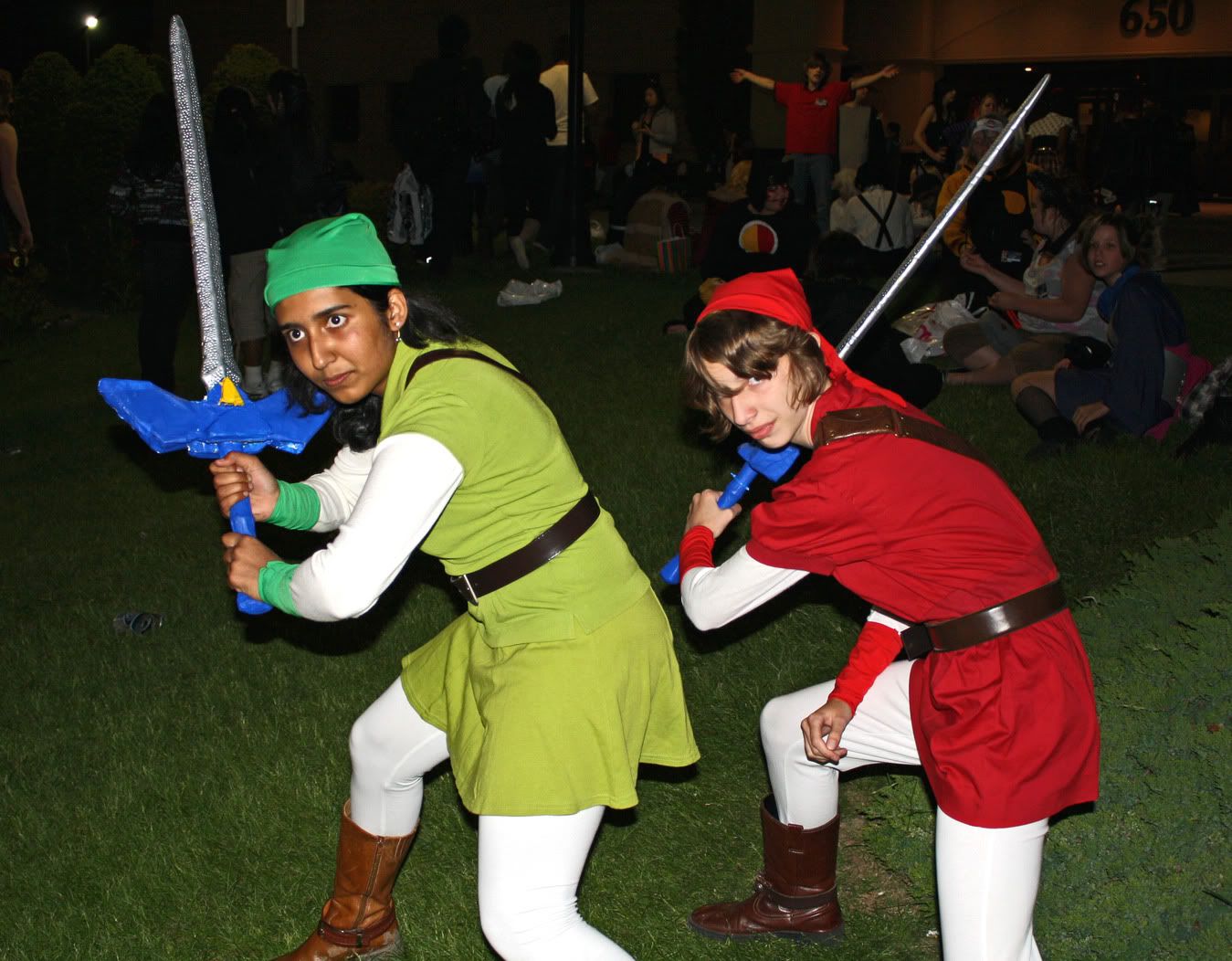
To get a picture like this. That's you on the right, isn't it?

Re: PICTURES??????
Posted: Mon Jan 11, 2010 11:36 am
by shakes
You been over to my moms house again looking through photo albums?

Re: PICTURES??????
Posted: Mon Jan 11, 2010 11:47 am
by Innocent
who is bringing knives to a gun fight????
Innocent
Re: PICTURES??????
Posted: Mon Jan 11, 2010 11:48 am
by shakes
OK so i go to bucket and copy the img code beneath the pic, then come here post a new topic and go to the bottom and select uplaod attachement and in the box hit ctrl V and it should appear in the box. then hit add file and a big zero, nothing, zilch.

Re: PICTURES??????
Posted: Mon Jan 11, 2010 2:26 pm
by Jason
You're not uploading the attachments. You're adding them using the img tags. Looks between the space where you type in the title of your post and where you type in the body text. There's a series of buttons, one of which says "Img" on it. Click that and it will put opening and closing img tags with brackets into your message. Now paste the "direct link" test from Photobucket between the > of of the opening img tag and the < of the closing img tag. Then hit submit.
You're not actually uploading the picture to this site. You're telling your web browser where to go get the picture on the Photobucket site to put into the web page that it gets from Steelchickens when it shows the page. Think of it as just pointing people where to go find the picture when they look at the post on the forum.
Re: PICTURES??????
Posted: Mon Jan 11, 2010 9:38 pm
by Bob Mc Alice
deleted
Re: PICTURES??????
Posted: Mon Jan 11, 2010 9:55 pm
by Bob Mc Alice
deleted
Re: PICTURES??????
Posted: Mon Jan 11, 2010 10:02 pm
by Bob Mc Alice
deleted
Re: PICTURES??????
Posted: Mon Jan 11, 2010 10:35 pm
by Jason
Hmm.. maybe the "code" tags will let me put it in here so you can see what it would look like. It's originally used for putting in computer programming code without the forum mucking it up, but should be good for this, too.
Code: Select all
[img]http://www.themccurrys.com/images/1712_with_stickers.jpg[/img]
That line will put a picture in my post like this:

That's all there is to it. Just paste the "Direct Link" address from Photobucket in there and you're done. Hopefully with that example it's a little more clear on how to put stuff in there. Sorry about the < and > stuff. Those angle brackets (or greater and less than symbols, if you prefer) are used in writing actual HTML that web pages are written with. The forum uses the square brackets like [ and ].
If you want to get fancier, you can post a small version of a picture and have people be able to click on it for a bigger version. In whatever image program you use, save the full-sized image from your camera and then reduce the size to a size that will fit inside a normal web page like this. You can use the URL tags with the address to the bigger picture wrapped around the IMG tags. Here's an example of posting the code once you have both hosted.
Code: Select all
[url=http://www.themccurrys.com/images/ar15/ar15_right_big.jpg][img]http://www.themccurrys.com/images/ar15/ar15_right_small.jpg[/img][/url]
That would give you this:

Re: PICTURES??????
Posted: Mon Jan 11, 2010 11:16 pm
by Jim Beckley
McAlice, And I've been called heartless before, but you sir take the cake!
Re: PICTURES??????
Posted: Mon Jan 11, 2010 11:41 pm
by Bob Mc Alice
Don't blame me JB, Mordecai started it!! (no offence intended Shakes 'ol buddy

)
Shakes , lets try this again. You got your photo in an album on Photobucket, right? Open Photobucket. Put the arrow or finger on the photo and the graphic like the one supplied by that mischevious Mr. Mordecai will appear. Put the arrow on the bottom tag IMG CODE right side little box. ( http. etc.) Click left on the mouse . The box will highlite blue. Keep the arrow on the blue highlited box and right click. From the little menu box, arrow over and right click on COPY. Now go to your Steelchickens posting and right click. Select the PASTE option. The photo should appear in numeric and other computer worded lingo. Go down to and hit the preview button. Your photo should appear. Hit ENTER a couple of times to add a space, then start adding any text to the image.
Rambo, Mongo and the Geico cave man all send their deepest apologies.
Re: PICTURES??????
Posted: Tue Jan 12, 2010 4:50 am
by Innocent
I'd say Rambo was cold, bored and trying to impress his friends Gieco-man and Mongo. So JB, McAlice isn't being heartless, just generous in letting Rambo use his computer.
Innocent
Re: PICTURES??????
Posted: Tue Jan 12, 2010 6:52 am
by ppkny
To get back on track to help shakes......Did you know you have to have 2 (two) sessions of IE open at the same time. One with Steelchickens on it and the other with Photobucket on it. Both active at the same time.
ppkny
Re: PICTURES??????
Posted: Tue Jan 12, 2010 9:18 am
by shakes

 figured it out.